10x10 Grid: Practical Uses, Math, and Design Tips
A 10x10 grid is a simple structure made of 10 rows and 10 columns, giving 100 equal squares. It is one of the most common building blocks in math, design, games, and data work because the round number 100 makes counting, scoring, and percentage calculations easy.

What Is a 10x10 Grid?
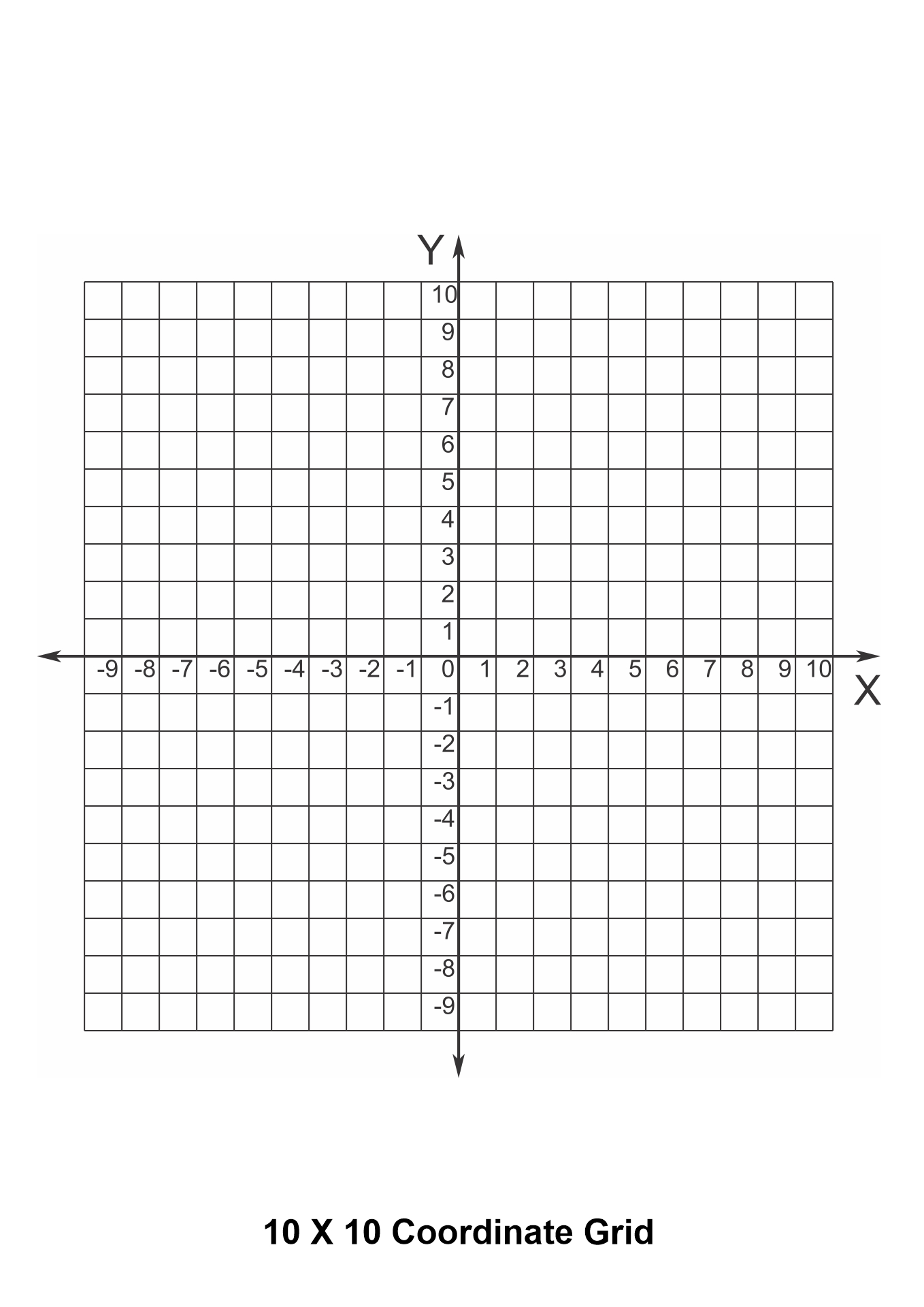
At its core, a 10x10 grid is a two-dimensional layout with 10 horizontal rows and 10 vertical columns. The intersection of each row and column forms a cell, and there are 100 cells in total. Each cell can hold a value, a mark, a color, or remain empty.
Basic Properties
- Rows: 10
- Columns: 10
- Total cells: 100
- Common square size: 1 unit by 1 unit, making each cell 1x1
- Total area: 100 square units when each cell is 1x1
Because the total is 100, each cell conveniently represents 1 percent of the whole. This is why 10x10 grids show up everywhere percentages matter, from pie-chart style heatmaps to game scoreboards.
Where 10x10 Grids Are Used
The 10x10 format is popular because it is large enough to hold meaningful detail and small enough to fit on a page or screen. Here are the most common real-world uses.
Math and Education
Teachers use 10x10 grids to teach multiplication, area, fractions, and place value. A standard multiplication array of 10 by 10 gives 100, which matches the base 10 structure of the decimal system. Students can shade rows and columns to visualize products, or shade parts to show fractions like 35 out of 100, which equals 35 percent.
Games
Many classic and modern games use a 10x10 playing area. The number is large enough for strategy and small enough to read at a glance.
- Battleship: Traditional play uses a 10x10 grid for ship placement and guessing.
- Word search: Letter puzzles are often laid out in 10 rows of 10 letters, giving 100 characters.
- Sudoku variants: While classic Sudoku is 9x9, 10x10 versions exist with larger number sets.
- Paper-and-pencil strategy games: Designers often pick 10x10 for a clean, balanced board.
Data and Spreadsheets
A 10x10 block of cells is a natural unit in spreadsheets. It is small enough to read and large enough to show patterns. Designers use it for:
- Heatmaps of 100 values, one per cell
- Quick input matrices for small surveys or test results
- Calendar-style layouts such as 10 days by 10 hours
Design and Layout
In web and print design, a 10x10 grid is a common alignment system. Designers divide the page into 10 columns and 10 rows, then place elements at intersections or within cells. This keeps spacing consistent and makes layouts easier to scale.
Pixel Art and Images
Pixel artists often start with a 10x10 canvas for tiny icons and avatars. At 100 pixels, an icon stays crisp on small screens and is fast to edit. Many emoji and favicon designs began life on a 10x10 pixel grid.
How to Draw or Build a 10x10 Grid
You can create a 10x10 grid in almost any tool. The steps below work for paper, spreadsheets, or code.
On Paper
- Draw a horizontal line and mark 10 evenly spaced points.
- Draw a vertical line crossing it and mark 10 evenly spaced points.
- Connect the marks to form a square lattice of 100 cells.
- Label rows 1 to 10 along one side and columns A to J (or 1 to 10) along the other.
In a Spreadsheet

- Select a 10-row by 10-column block of cells, such as A1 to J10.
- Set each cell to a square size by adjusting row height and column width to match.
- Apply light borders to make the grid visible.
- Use fill colors or conditional formatting to highlight data.
In HTML and CSS
A simple 10x10 grid can be made with CSS Grid in a few lines of code.
.grid {
  display: grid;
  grid-template-columns: repeat(10, 40px);
  grid-template-rows: repeat(10, 40px);
  gap: 1px;
}
.grid div {
  background: #eee;
}
Add 100 <div> elements inside the container, and you have a clickable, stylable 10x10 grid ready for games, charts, or input.
Math Tricks With a 10x10 Grid
The 10x10 grid is a quiet math teacher. A few useful patterns:
Multiplication Table
Fill row 1 with 1 through 10 and column 1 with 1 through 10. Each cell holds the product of its row and column. The full table covers all multiplication facts from 1x1 to 10x10.
Percentages
Shade 37 cells out of 100 to show 37 percent. This visual link between 100 cells and percent values helps students grasp ratios quickly.
Area and Perimeter
If each cell is 1 unit by 1 unit, the whole grid has an area of 100 square units. The outer edge has a perimeter of 40 units. Splitting the grid into smaller rectangles makes it easy to teach the area model for multiplication and division.
Design Tips for a Clean 10x10 Grid
A good grid is invisible until you need it. Keep these tips in mind.
- Match cell size. Make rows and columns the same height and width so cells look square.
- Use light borders. Heavy lines add noise. A 1-pixel border in a soft gray is usually enough.
- Align labels. Place row and column labels in the same position every time so users can scan quickly.
- Limit colors. For data grids, use a single color scale from light to dark. For games, stick to a small palette.
- Leave breathing room. A small gap between cells often reads better than a solid grid.
Common Mistakes to Avoid
Even a simple 10x10 grid can fail if basic choices are off. Watch for these pitfalls.
When to Choose a Different Grid Size
The 10x10 grid is a strong default, but not always the right one. Consider another size if:
- You need fewer than 64 cells, where an 8x8 grid is more compact.
- You want a non-square aspect ratio, such as a 10x20 layout for a calendar strip.
- Your content is text-heavy, where 12 columns often align better with standard reading widths.
- You are modeling data with a known base, such as 9x9 for Sudoku or 16x16 for a hex map.
Final Thoughts
The 10x10 grid is small, clean, and tied to the number 100, which is why it shows up in classrooms, board games, spreadsheets, and design systems. Whether you are teaching multiplication, drawing a pixel icon, building a Battleship clone, or laying out a web page, the 10x10 grid is a reliable starting point. Start simple, keep the cells square, and let the round total of 100 do the math for you.



![Grid Coloring Pages For Math 10x10 [2025]](https://ecdn.teacherspayteachers.com/thumbitem/10-x-10-Math-Grids-5019039-1573513010/original-5019039-1.jpg)