Free Printable Veterans Day Certificates
Veterans Day is one of the easiest occasions to mark with a printed certificate. Schools, Scout troops, VFW posts, churches, and small employers hand these out each November, and a clean, professional template saves hours of layout work. The free printable Veterans Day certificates below are designed to print on standard 8.5 x 11 paper, edit in any PDF or word processor, and look polished enough for a public ceremony.

What to expect from the free printable Veterans Day certificate templates
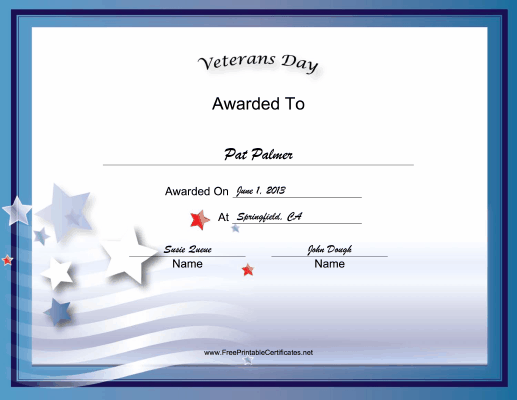
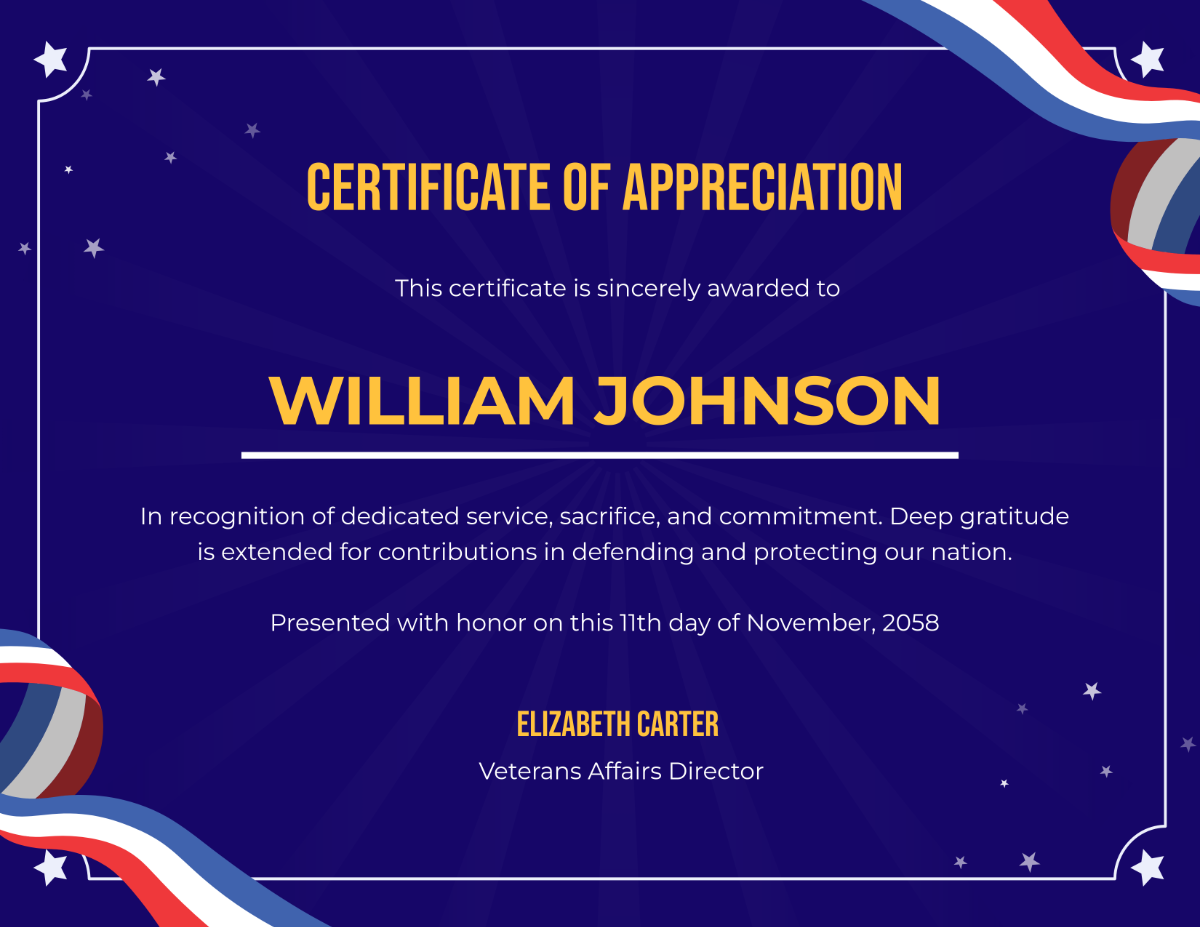
Every template in this roundup follows the same basic structure so you are not learning a new layout each time. A decorative border sits around the page, a heading identifies the award, a short recognition paragraph fills the middle, and signature lines anchor the bottom. Open the file in the editor of your choice, type in the recipient name, the date, and the presenter's name, then print.
- File format: Editable PDF and Microsoft Word versions where possible, so you can change text without buying software.
- Paper size: US Letter (8.5 x 11). A4 users can scale at print time without losing layout.
- Orientation: Landscape, which leaves more room for long names and signatures.
- Cost: Free for personal, classroom, and nonprofit use. Commercial resale is restricted.
Choosing the right certificate style for your event
The right template depends on who is signing and who is receiving. A school assembly looks different from a private dinner for a single veteran, and the wording should match.
For schools and classrooms
Keep language general and inclusive. Younger students will hand these to family members, neighbors, or local veterans who visit the classroom, so avoid rank-specific wording or combat references. A simple "In recognition of your service and sacrifice" works for nearly any recipient.
For VFW posts, American Legion halls, and nonprofits
These ceremonies often honor specific branches or eras. A branch seal in the corner and an editable date range ("in recognition of service from 1968 to 1972") make the certificate feel personal without printing a custom design for each honoree.
For small businesses and community groups
If a company is recognizing an employee who served, a clean corporate style with the company logo at the top reads better than a military-themed border. Logos drop into the header field without distorting the layout.
How to edit and print the certificates in minutes
Most printable certificate templates are designed to be opened, edited, and printed inside ten minutes. The exact steps depend on your file format.
- Download the file from the source link and save it to your desktop.
- Open in the recommended program. PDFs edit cleanly in Adobe Acrobat Reader (free), Foxit Reader, or any browser. Word files open in Microsoft Word, Google Docs, or LibreOffice Writer.
- Click the placeholder text fields and type the recipient name, the date, and the presenter name. Most templates highlight editable areas in light blue.
- Check spelling on names, especially for veterans whose names may appear on a public program.
- Print one test page on plain paper before running the full batch. Look for text clipping at the edges and confirm colors print as expected.
ponytail: certificate templates stay single-page, plain-text editable. Upgrade path when needed: move to a Canva or Adobe Express template if you want drag-and-drop image insertion and team comments.
What to include in the certificate wording
Strong wording is short, sincere, and specific. The following structure covers most Veterans Day certificate needs and can be pasted into any template.
Standard recognition paragraph
"Presented to [Name] in grateful recognition of honorable military service and dedication to the United States of America. Your courage, sacrifice, and commitment to freedom are deeply appreciated by [Organization Name] on this [day] of November, [year]."
Alternative wording for students and youth groups
"This certificate honors [Name] for service to our country and community. May your example inspire the next generation to value freedom, duty, and kindness toward others."
Short version for community certificates
"With thanks to [Name] for service in the [Branch] from [Year] to [Year]. Your community recognizes and appreciates your sacrifice."

Printing tips that make certificates look professional
- Use heavier paper. Standard 20 lb copy paper feels flimsy. A 65 to 80 lb cardstock gives certificates the weight people expect.
- Set printer quality to High or Best. Certificates are mostly text on a colored background, so the difference between Draft and Best is visible.
- Print in color when the template uses it. Many borders, seals, and ribbons lose meaning when printed grayscale.
- Cut with a paper trimmer, not scissors. Straight edges matter on a certificate more than on most printed material.
- Store finished certificates flat in a rigid envelope or folder. Curling at the edges is the fastest way to make a free printable look cheap.
Accessibility and respectful presentation
When veterans of different ages, eras, and branches are honored in the same room, the language on each certificate should be reviewed for accuracy. Confirm branch of service, rank, and dates before printing. If the recipient is deceased, present the certificate to a family member at the ceremony rather than mailing it later, unless the family prefers privacy.
For audiences that include veterans with visual impairments, consider printing one extra-large version or reading the text aloud during the presentation. The certificate itself is symbolic, but the spoken acknowledgment is what most recipients remember.
Common mistakes to avoid
- Wrong branch seal. The Army, Navy, Air Force, Marine Corps, Space Force, and Coast Guard each have distinct emblems. A mismatched seal is a quick way to lose credibility.
- Incorrect spelling of rank. Use exact rank titles: "Sergeant," "Petty Officer," "Captain," "Colonel." Avoid informal variations.
- Generic dates. "November 11" is Veterans Day; "November 11, 1918" is the Armistice. Pick the right one for the wording used.
- Cluttered borders. Decorative does not mean busy. If the border fights with the text, simplify.
- Last-minute printing. Run a single test sheet at least a day before the ceremony. Running out of ink mid-batch is the most common cause of late-stage panic.
Distributing certificates respectfully
How a certificate is handed over matters as much as what it says. Stand when the recipient is called, face the audience, read the text aloud if the room is small enough, and let the recipient speak first before moving on. Avoid handing certificates across a podium with a handshake; place them in a folder or present them flat on a small table so the recipient can hold them up for a photograph.
For events honoring a single veteran, the certificate presentation is usually the emotional peak of the program. Schedule it after any formal speeches and before refreshments so it is not lost in transitions.
Frequently asked questions
Can I add my organization's logo to a free printable Veterans Day certificate?
Yes, in most cases. Word and PDF editors allow you to place a logo image in the header or footer. Keep the logo small relative to the border so it does not compete with the text.
Are these certificates acceptable for official military recognition?
No. The free printable certificates in this roundup are for civilian, community, and educational recognition. Official military awards come from the relevant branch and use controlled formats.
What paper weight works best?
65 to 80 lb cardstock is the standard range. Lighter paper curls and feels disposable; heavier paper can jam home printers.
Can I edit the certificate on a phone or tablet?
Yes. Most PDF editors on iOS and Android support text field editing. For best results, use a tablet with a stylus for precise text placement.
How far in advance should I print certificates for a ceremony?
Two to three days is ideal. This leaves time to fix typos, replace a smudged sheet, and store them flat before the event.
Final thoughts on honoring veterans with printed certificates
A certificate is a small piece of paper, but the act of presenting one publicly tells a veteran that the community noticed their service. The templates above are designed to keep the focus on the recipient, not on the design. Spend the saved layout time on accurate wording, correct branch details, and a respectful presentation. That combination is what turns a free printable into a meaningful keepsake.