Sesame Street Sign Template: Free Printable Guide
If you have ever wanted to recreate that iconic green street sign from the opening of Sesame Street, a printable sesame street street sign template is the easiest way to do it. Whether you are planning a birthday party, decorating a classroom, putting together a photo booth backdrop, or simply want a nostalgic craft project, the right template saves hours of guesswork. This guide covers where to find free templates, which fonts and colors to use, how to size the sign correctly, and how to build a sturdy finished sign that actually looks like it belongs on Sesame Street.
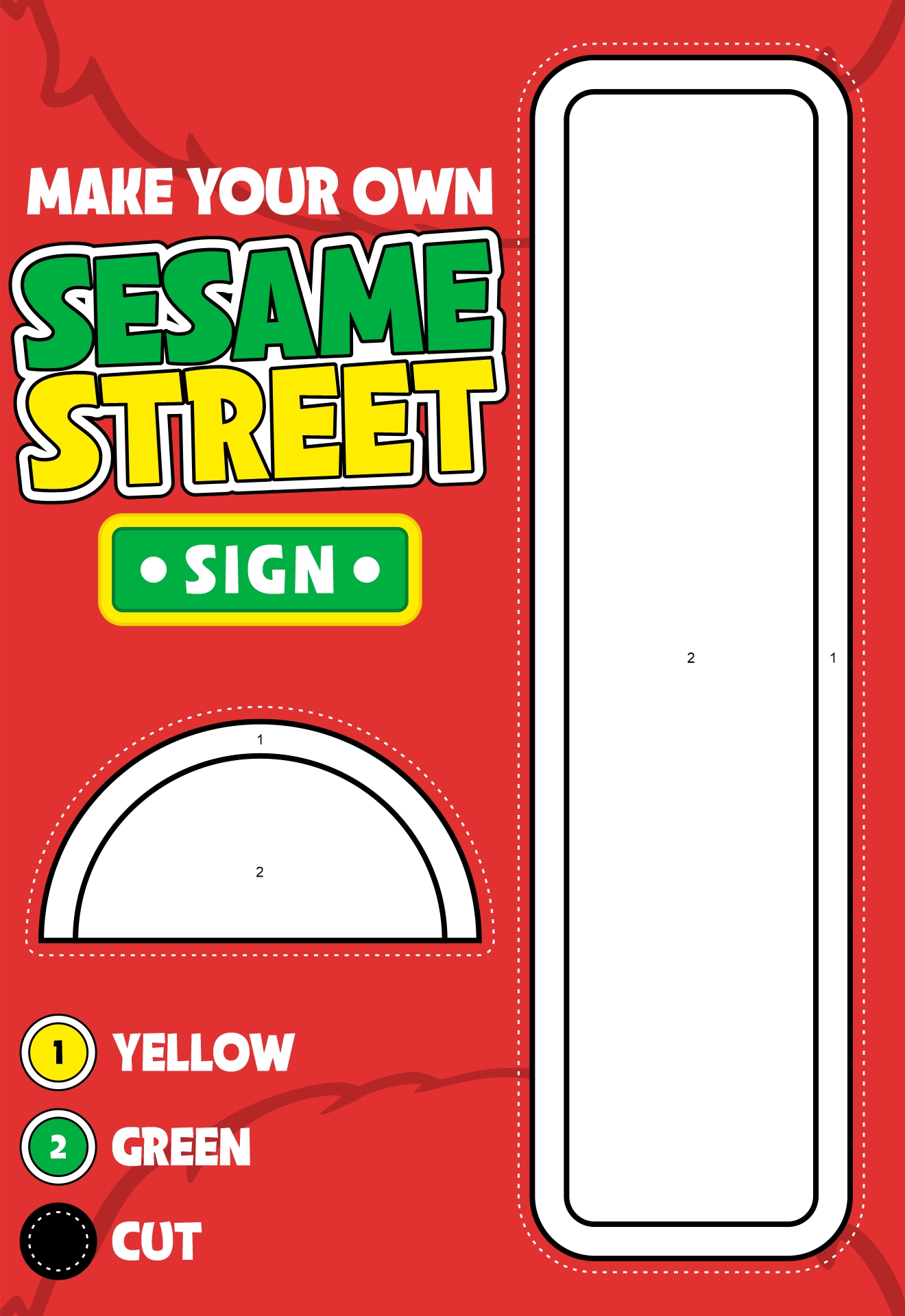
What a Sesame Street Street Sign Template Includes
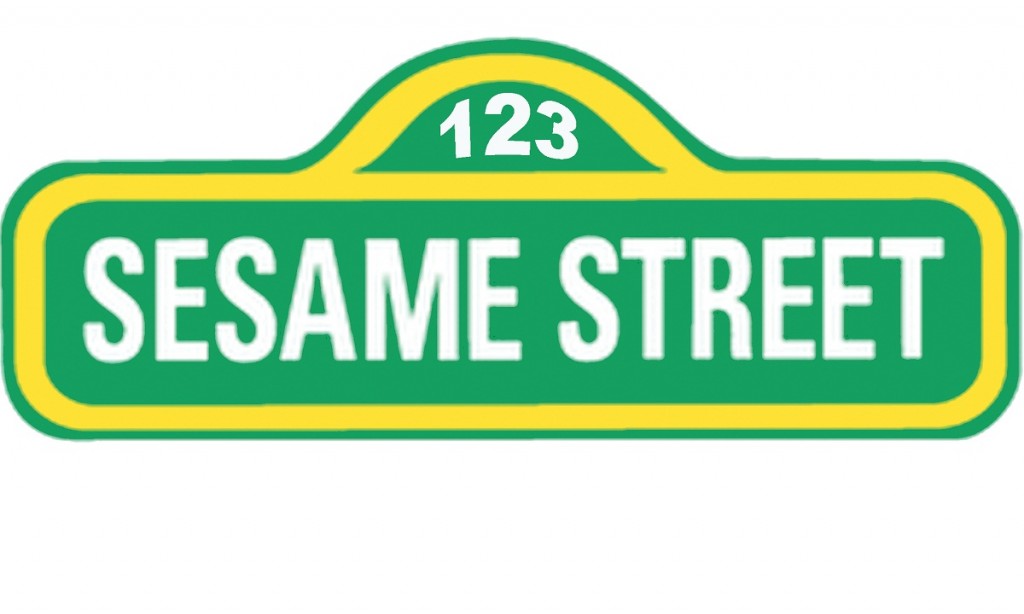
A good sesame street street sign template is more than just a rectangle with text. The real signs on the show have a few signature features that make them instantly recognizable. When you download or build your own template, look for these elements:
- A deep, slightly muted green background (close to Pantone 553 or a forest/olive green).
- White, bold, sans-serif lettering in all caps for the main word.
- Yellow or cream accent text for smaller words like "Sesame" above the main name.
- A thin white inner border framing the sign.
- Optional: street number plaques on either side (the show uses 123 as a nod to its address).
Most printable templates come as a PDF or PNG file sized to common paper formats (US Letter, A4, or tabloid) so you can either print them as a poster or scale them up at a print shop.
Free and Paid Sesame Street Sign Template Options
You do not need to be a graphic designer to get a great-looking result. Here are the most common places to find a sesame street street sign template.
Free printable templates
Several party-planning blogs and craft sites host free printables that mimic the show's design. Search for terms like "Sesame Street sign printable," "123 Sesame Street sign free," or "Sesame Street party sign template." Many of these are sized for standard 8.5x11 paper and can be printed at home on cardstock. Pinterest is especially useful for finding these because crafters often share direct download links in their pin descriptions.
Editable templates on Etsy
If you want to swap in a custom name (for example, "Liam's Street" or "Emma Street"), Etsy has dozens of editable sesame street street sign templates. Most come as Canva links, PowerPoint files, or layered PSDs. Prices typically run from $3 to $10, and the seller usually includes instructions for changing fonts and colors.
DIY template from scratch
If you prefer to build your own, you can recreate the look using Canva, Google Slides, or Photoshop. Set the canvas to roughly 36x9 inches for a full-size yard sign, or 11x8.5 inches for a printable version. Use a green background, white block text, and a classic sans-serif font (more on fonts below).
Choosing the Right Fonts and Colors
The typography is what sells the Sesame Street look more than anything else. The show has used a few different fonts over the decades, but the most iconic one is a condensed, rounded sans-serif similar to FF Meta, ITC Avant Garde, or the custom "Sesame Street" typeface designed by the show's art department.
If you want a close match without paying for a commercial font, try these free alternatives:
- Bungee - a free Google Font that has the chunky, friendly feel of the original.
- Black Ops One - heavier and more military, but works for a bold street sign vibe.
- Bowlby One - rounded, bold, and very readable from a distance.
- Anton - tall and condensed, great if you want to fit long names on the sign.
For color, use a rich green background such as #4A6E3A or #3F6B2D. Pair it with pure white (#FFFFFF) for the main word and a soft yellow (#F8E16C) for accent text. Avoid bright neon green; the show's palette is intentionally a bit muted and earthy.
How to Size Your Sesame Street Sign Correctly
One of the most common mistakes is making the sign too tall or too narrow. The real Sesame Street signs are wide and short, almost like a real street name placard. Aim for an aspect ratio of about 4:1 or 5:1 (width to height). Here are some practical sizing options:
- 11 x 8.5 inches - fits on a single sheet of cardstock; good for a party welcome sign or photo prop.
- 24 x 6 inches - a nice mid-size that prints easily at FedEx, Staples, or Office Depot.
- 36 x 9 inches - the classic yard-sign size; can be printed as a poster or mounted on a wooden frame.
- 48 x 12 inches - large event size; best printed at a sign shop on foam board or PVC.
Whatever size you choose, keep at least a 0.5-inch white inner border and a 0.75-inch green margin around the text. Crowding the letters is the fastest way to make the sign look fake.
Step-by-Step: Building a Printable Sesame Street Sign
Follow these steps to turn your template into a finished sign.
- Download or create your template. Pick the size that matches your print method, and double-check that the colors look right on screen.
- Print a test page. Always do a low-cost test on regular paper before printing on cardstock or sending to a shop. Check the colors in person because screens lie about saturation.
- Print on heavy paper or send to a printer. 65 to 80 lb cardstock works for handheld signs. For yard signs, use a poster printer or print on adhesive vinyl and mount on foam board.
- Add a backing. Glue the printed sheet to a piece of foam board, corrugated plastic (Coroplast), or thin plywood. This keeps the sign flat and rigid.
- Optional: add small plaques. The classic Sesame Street signs have small "123" plaques on each end. Cut these out separately and glue them to the corners of the backing.
- Seal the surface. A quick spray of matte or satin clear coat protects the print and reduces fingerprints, especially if kids will be handling it.
- Mount or stake it. For outdoor use, attach two wooden stakes to the back. For a party, lean it against a wall or hang it from a Command strip.
Creative Ways to Use a Sesame Street Sign Template
Beyond the obvious birthday party, there are dozens of fun uses for a sesame street street sign template:
- Photo booth backdrop. Print it at 36x9 inches and lean it on the floor; guests stand behind it for photos.
- Nursery or playroom decor. A custom "[Baby's Name] Street" sign makes a sweet alternative to a wooden name plaque.
- Classroom theme. Teachers use these as door decor for the first week of school or for a letter-of-the-week display.
- Birthday party entrance. Mount it on a wooden frame and place it at the front door so guests walk into Sesame Street.
- Graduation or moving-away party. Personalize it with a graduating senior's name and the year, framed as a keepsake.
Tips for Getting the Most Authentic Look
Small details make a big difference. Here are a few tricks that experienced prop makers use:
- Slightly distress the edges with sandpaper to mimic the worn metal look of the real signs.
- Print on a textured paper like linen cardstock to avoid the obvious flat-ink look.
- Round the corners of the sign with a corner punch for a finished, vintage feel.
- Use matte finish instead of glossy; the real signs are not shiny.
- Add a subtle drop shadow in your template to give the white letters a slight raised effect.
Frequently Asked Questions
Can I use the Sesame Street name and logo for my party?
Sesame Workshop is protective of its trademark, so you should not use the official logo or sell products that imitate it commercially. For personal, non-commercial use (like a child's birthday party), most people are fine using a homemade sesame street street sign template. If you plan to sell items featuring the design, consult the Sesame Workshop licensing page or create a clearly parody-style version with a different name.
What is the standard Sesame Street address shown on the sign?
On the show, the sign reads "123 Sesame Street." Many templates let you edit the street number and the main name so you can personalize it.
What paper should I print on?
For a sign that will be handled or leaned against a wall, 80 lb cardstock is a good minimum. For outdoor signs, print on vinyl or have the template printed on PVC at a sign shop.
Can I edit the template on my phone?
Yes, if you choose a Canva-based template from Etsy, you can edit text and colors directly in the free Canva mobile app. For PDF templates, you will need a laptop or tablet with a PDF editor.
Bringing It All Together
A sesame street street sign template is one of the easiest ways to add a touch of nostalgic fun to a party, classroom, or playroom. Start with a high-quality free or low-cost template, match the classic green-and-white palette, and print it on sturdy paper or send it to a print shop for a larger version. Spend a few extra minutes on small details like rounded corners, a thin white inner border, and the small "123" plaques, and your finished piece will look like it was pulled straight from the show. Whether you are celebrating a birthday, decorating a nursery, or just love the show, this simple template is a project that comes together in an afternoon and lasts for years.